





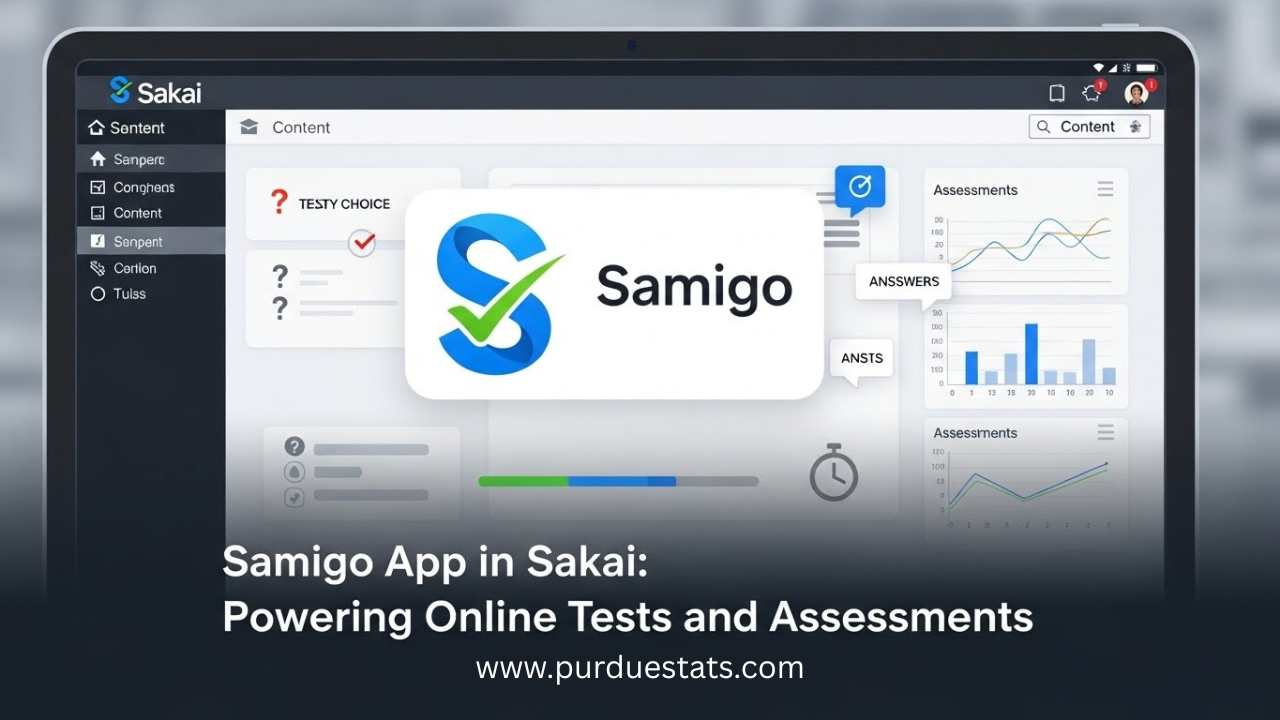
Samigo App in Sakai: Powering Online Tests and Assessments
In today’s fast-paced educational landscape, the demand for effective online assessments is higher than ever. Enter the Samigo app—a powerful tool integrated within Sakai that transforms how educators conduct tests and evaluations. Whether you’re an instructor seeking to streamline your assessment process or a student aiming for a smoother testing experience, Samigo offers innovative solutions tailored just for you.
Imagine having an intuitive platform that not only simplifies test creation but also provides insightful analytics on student performance. With its user-friendly interface and robust features, the Samigo app is changing the game in online education. As we explore its capabilities, you’ll discover why this application should be at the top of every educator’s toolkit when it comes to administering assessments effectively and efficiently. Let’s dive into what makes Samigo such a vital resource in today’s learning environments!
Features and Benefits of Using Samigo for Online Tests and Assessments
The Samigo app stands out as a powerful tool for online tests and assessments in educational settings. Its user-friendly interface streamlines the exam creation process, allowing instructors to design custom quizzes effortlessly.
One of its key features is the diverse question types available. Educators can choose from multiple-choice questions, essay prompts, and true/false options, catering to different assessment needs.
Samigo also supports automated grading, saving educators precious time while providing immediate feedback to students. This feature not only enhances learning but also encourages timely revision.
Additionally, it offers robust analytics that help instructors track student performance over time. These insights are invaluable for adjusting teaching strategies and identifying areas where students may need extra support.
Built-in accessibility features ensure that all students can access exams seamlessly. The flexibility of Samigo makes it an ideal choice for modern educational environments aiming for inclusivity and efficiency.
How to Set Up and Use Samigo in Sakai
Setting up the Samigo app in Sakai is a straightforward process. First, log into your Sakai account and navigate to the course where you want to add assessments.
Once inside your course, look for the “Tests & Quizzes” tool in the main menu. Click on it to access various options related to assessments.
Next, select “Add New Assessment.” Here, you can choose from different types of questions—such as multiple choice or essay formats—to create an engaging test experience.
After building your assessment, customize settings like time limits and availability dates. This ensures students have clear guidelines when taking their tests.
Don’t forget to publish your assessment once you’re satisfied with it. By following these steps, you’ll effectively set up Samigo and provide a seamless testing environment for students in no time.
Case Studies: Successful Implementation of Samigo in Higher Education Institutions
Several higher education institutions have successfully integrated the Samigo app into their assessment frameworks. One notable case is the University of California, which used Samigo for midterm exams across multiple departments. Educators reported a significant increase in student engagement and satisfaction.
At Texas State University, instructors utilized Samigo to streamline large-scale assessments. The ability to randomize questions helped maintain academic integrity while providing students with a fair testing environment. Feedback indicated improved performance due to personalized learning paths based on assessment results.
Furthermore, at Ohio State University, faculty implemented adaptive testing features within Samigo. This allowed real-time adjustments according to student responses, enhancing learning outcomes and understanding of course material.
These examples underscore how embracing digital solutions like the Samigo app can transform traditional assessment methods into more effective educational experiences.
Best Practices for Utilizing Samigo Effectively
To utilize the Samigo app effectively, start by clearly defining your assessment objectives. Understand what skills or knowledge you want to evaluate. This clarity will guide your test creation.
Design assessments that are varied and engaging. Incorporate multiple question types—like true/false, essays, and fill-in-the-blanks—to keep students engaged while accurately gauging their understanding.
Utilize timing features wisely. Set appropriate time limits to challenge students without causing unnecessary stress. Consider offering practice quizzes as a way for learners to familiarize themselves with the interface before official assessments.
Regularly analyze student performance data available in Samigo. This insight can help identify trends, allowing you to adjust teaching methods accordingly.
Encourage feedback from students on their experience with Samigo. Their input can highlight areas for improvement both in how tests are designed and in the overall learning process.
Comparison with Other Assessment Tools in Sakai
When exploring assessment tools within Sakai, Samigo stands out for its user-friendly interface and robust functionality. Unlike some alternatives that may overwhelm users with complexity, Samigo simplifies the testing process.
Many traditional tools rely heavily on manual grading. In contrast, Samigo offers automated scoring options for various question types. This feature saves instructors significant time while maintaining accuracy in assessments.
Additionally, integration capabilities are a key differentiator. While other tools might struggle to sync seamlessly with external resources or learning management systems, Samigo excels in this area. It ensures smooth data flow between different educational technologies.
Furthermore, flexibility is essential when it comes to assessment customization. Some options provide limited question formats or rigid templates. However, the versatility of the Samigo app allows educators to tailor tests according to specific needs and learning outcomes effortlessly.
Conclusion
The Samigo app stands out as a powerful tool for online testing and assessments within Sakai. Its robust features provide educators with the flexibility they need to create various assessment formats, from quizzes to comprehensive exams. The benefits are clear: it enhances student engagement, facilitates efficient grading, and offers valuable analytics.
Setting up and using the Samigo app in Sakai is straightforward, allowing institutions to integrate this tool seamlessly into their existing systems. With success stories emerging from higher education institutions that have adopted Samigo, it’s evident that many are reaping significant rewards by embracing digital assessments.
By following best practices—such as creating diverse question types and utilizing feedback mechanisms—educators can maximize the effectiveness of their assessments. Furthermore, comparing Samigo with other tools available in Sakai shows its unique advantages in versatility and user-friendly design.
For those looking to elevate their online assessment strategies, exploring what the Samigo app has to offer could be a transformative step forward. As educational environments continue evolving towards more digital solutions, leveraging such innovative tools will undoubtedly play a critical role in shaping future learning experiences.